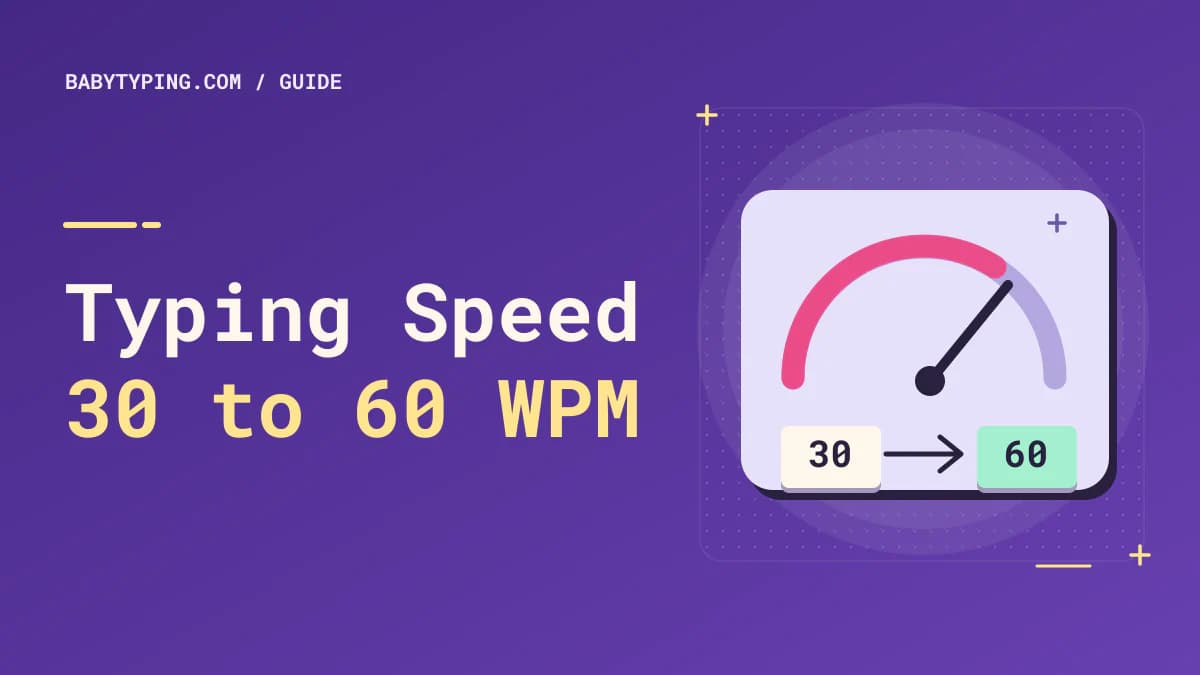
Moving from 30 words per minute to 60 WPM is an appealing goal: it means typing the same amount of ordinary text in roughly half the time, provided your accuracy stays high. The challenge is that speed does not improve simply because you push your fingers harder. Better results come from knowing where each key is, moving efficiently between letters, reading ahead, and avoiding corrections.
This guide provides a practical approach for someone currently averaging about 30 WPM. It does not promise a specific number of days. The time required depends on your starting technique, practice frequency, keyboard, language, and the difficulty of the material. Your goal is to build a repeatable skill rather than achieve one unusually fast test score.
Measure Your Real Starting Speed
Before changing your routine, complete three one-minute typing tests on unfamiliar but similarly difficult passages. Record each score and its accuracy, then use the middle score as a baseline. A single test can be distorted by a familiar passage, nerves, or an accidental interruption. You can start with the free WPM typing speed test.
Also complete a longer three- or five-minute test. If your short-test WPM is 34 but your longer-session speed falls to 25, consistency and endurance deserve attention. If both results are close to 30, focus first on key recognition and smooth movement. Record whether you look at the keyboard and which letters cause repeated errors.
A basic log might look like this:
| Session | Duration | Gross WPM | Accuracy | Observation |
|---|---|---|---|---|
| Baseline A | 1 minute | 29 | 94% | Looked down often |
| Baseline B | 1 minute | 31 | 96% | Errors on P and Q |
| Baseline C | 5 minutes | 27 | 95% | Slowed after two minutes |
These numbers are illustrations, not expected progress. Use your own results for decisions.
Build a Solid Touch-Typing Foundation
Learn the home row before racing the timer
Place the left index finger on F and the right index finger on J; many keyboards have small tactile bumps on those keys. The remaining left-hand fingers rest over A, S, and D, while the right-hand fingers rest over K, L, and the semicolon. Let a thumb operate the spacebar. This reference position helps you find surrounding keys without constantly looking down.
Practice short sequences such as asdf jkl;, followed by meaningful words that mostly use the home row. Then extend to upper and lower rows, returning to your reference position when comfortable. There is no benefit in forcing a position that causes pain; comfort and natural finger movement matter.
Stop looking at the keyboard one glance at a time
A person typing 30 WPM often loses time by visually searching for letters. Covering the keys completely can be frustrating at first. Instead, choose a small set of familiar words and type them while looking only at the screen. Add more letters as you succeed. Slow down whenever you cannot find a key, then resume without treating a single hesitation as failure.
This change may temporarily lower your WPM. That is normal: you are replacing a visual-search habit with a location memory. Avoid evaluating yourself by speed alone during this stage. For a fuller walkthrough, see how to type without looking at the keyboard.
Make Accuracy Your First Milestone
At 30 WPM, frequent errors can consume more time than relatively slow finger movement. When you mistype a word, you must detect the mistake, backspace or edit, and reorient yourself to the passage. A useful practice target is roughly 97% to 99% accuracy, not because these figures are universal requirements but because fewer interruptions make sustained speed possible.
Try an accuracy-first session: type at a comfortable pace for two minutes while prioritizing correct characters. Finish and identify three repeated mistakes. Spend the next three minutes practicing words containing those letters. Retest with a fresh passage. Repeat the cycle instead of running ten identical tests without learning from them.
Pay attention to error patterns. Confusing B and V suggests an individual key-location issue; dropping final letters suggests rushing; missing capitalization indicates a Shift-key technique problem. Each pattern needs a different drill. The companion guide on improving typing accuracy explains these distinctions.
Practice Letter Transitions and Common Word Patterns
Speed grows when frequent letter combinations feel like a single smooth movement. English passages repeatedly use combinations such as th, he, ing, tion, and ould. Rather than memorize isolated random strings indefinitely, alternate small pattern drills with normal sentences.
For example, type the their there these, then thing thinking nothing, then a sentence using several of those words. Stay accurate at first and gradually increase tempo. A drill is successful when you can repeat the sequence reliably, not when you survive one frantic attempt.
Read one or two words ahead of your fingers when possible. If your eyes focus on each character at the exact moment you press its key, your typing rhythm becomes stop-and-go. Looking slightly forward helps your brain prepare the next movement. Start with simple material; dense technical vocabulary requires additional attention.
Follow a Manageable Daily Practice Routine
A realistic 20-minute session can have five parts:
- Three minutes of warm-up: easy home-row words at a relaxed pace.
- Five minutes of accuracy practice: work on yesterday's most common errors.
- Five minutes of pattern practice: common letter pairs, word endings, and short sentences.
- Five minutes of mixed text: practice unfamiliar paragraphs without chasing a personal record.
- Two minutes of measurement: complete a consistent WPM test and record results.
If you only have ten minutes, use a two-minute warm-up, five-minute focused drill, and three-minute test. Consistency matters more than an elaborate schedule you cannot maintain. Rest when your hands become uncomfortable or your attention drops. More repetitions are not automatically better if they reinforce careless technique.
A four-stage progression from 30 toward 60 WPM
Stage 1: Reliable accuracy. Learn key locations and reduce look-downs. Treat 30 WPM with fewer mistakes as meaningful progress.
Stage 2: Stable 35–45 WPM. Strengthen common word patterns. Work on typing continuously rather than in short bursts followed by pauses.
Stage 3: Stable 45–55 WPM. Use longer passages, capitalization, and realistic punctuation. Check that accuracy remains strong as speed rises.
Stage 4: Consistent 60 WPM. Retest several days apart using unfamiliar text. Consider 60 WPM established only when it is reasonably repeatable, not a single personal best.
These stages are skill checkpoints, not a timeline or guarantee.
Avoid the Mistakes That Keep You at 30 WPM
First, do not repeat very easy passages until you remember them. Familiar text can make scores look better without improving general typing ability. Second, do not measure only one-minute peak speed: longer sessions reveal hesitation and fatigue. Third, avoid constantly changing keyboards, layouts, and test settings while comparing progress. Small differences in key travel or punctuation can alter a score.
Another common mistake is practicing only plain lowercase words. Real work involves capitals, commas, numbers, and correcting text. Add these gradually so your skills transfer beyond a benchmark. Finally, avoid holding your breath or tightening your shoulders while racing a countdown. Comfortable posture helps you sustain useful practice. OSHA recommends relaxed shoulders, straight wrists, and regular position changes for keyboard work.
How to Tell Whether Your Training Is Working
Review your log weekly rather than obsessing over every session. Compare similar passage types and durations. Ask four questions: Is the median WPM rising? Is accuracy staying stable or improving? Are the same errors recurring less frequently? Can you maintain a similar pace for three or five minutes?
You might notice that accuracy rises before WPM. That is encouraging because fewer errors create room for future speed. You may also encounter plateaus. When progress stalls, change the exercise, not just the timer: practice unfamiliar vocabulary, tackle one problem key, or work on punctuation. Then measure again under consistent conditions.
A practical self-check after every session
Write one sentence about what happened. “I lost time on capital letters” is more useful than “I was slow.” Choose a targeted drill for tomorrow: Shift-key practice, home-row accuracy, difficult words, or longer sustained passages. You can also type a few paragraphs from something you genuinely need to write, provided you do not confuse creative composition speed with copying speed.
Frequently Asked Questions
Can I increase from 30 WPM to 60 WPM in one week?
Some people improve rapidly after correcting a major technique problem, but there is no reliable one-week guarantee. A sustainable 60 WPM depends on your experience, consistency, and accuracy. Use repeatable weekly measurements rather than an arbitrary deadline.
Should I prioritize WPM or accuracy?
Prioritize correct keystrokes while building technique. Once you can type familiar patterns accurately, add moderate speed challenges. A high gross WPM with frequent errors may be less practical than a slightly lower, cleaner result.
Is a mechanical keyboard necessary to reach 60 WPM?
No. You can develop fast, accurate typing on many comfortable keyboards. Consistency, layout familiarity, and practice quality usually matter more than buying a particular switch type.
Why is my typing speed different on different websites?
Tests can use different passages, durations, punctuation, correction rules, and WPM calculations. Compare results from similar settings, and read a site's scoring explanation before interpreting small differences.
How often should I take a typing speed test?
Short daily checks can guide practice, but review trends across several days or weeks. If testing becomes stressful, measure only at the beginning and end of a practice week. Use the BabyTyping free WPM test as one consistent benchmark.
Your Next Step
Choose a baseline, practice deliberately, and review your results. The route from 30 to 60 WPM is not simply “type faster”; it is “find keys without looking, reduce errors, and make common movements smoother.” Once those habits are reliable, speed becomes easier to build and easier to keep.